Volleyball Bros Controls: Full Keyboard & Mobile Guide for Beginners
One button. That’s the entire control scheme for Volleyball Bros, and yet somehow people still lose their first five matches trying to figure it out. Here’s every input the game actually uses, on keyboard and mobile, plus the one fix almost nobody tells you about when your keys stop responding mid-rally.
Volleyball Bros Controls in One Line
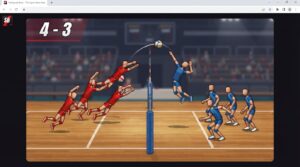
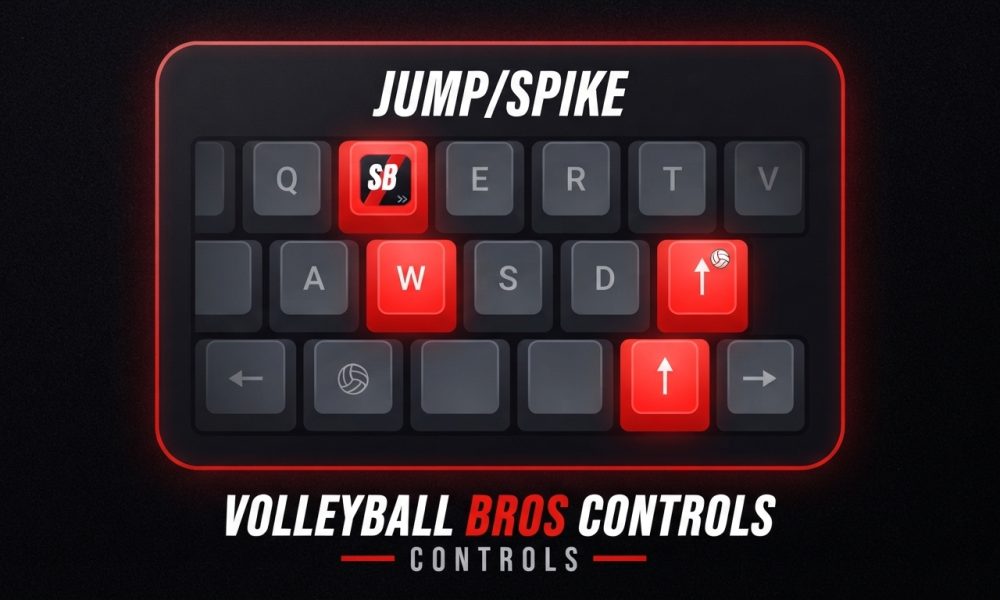
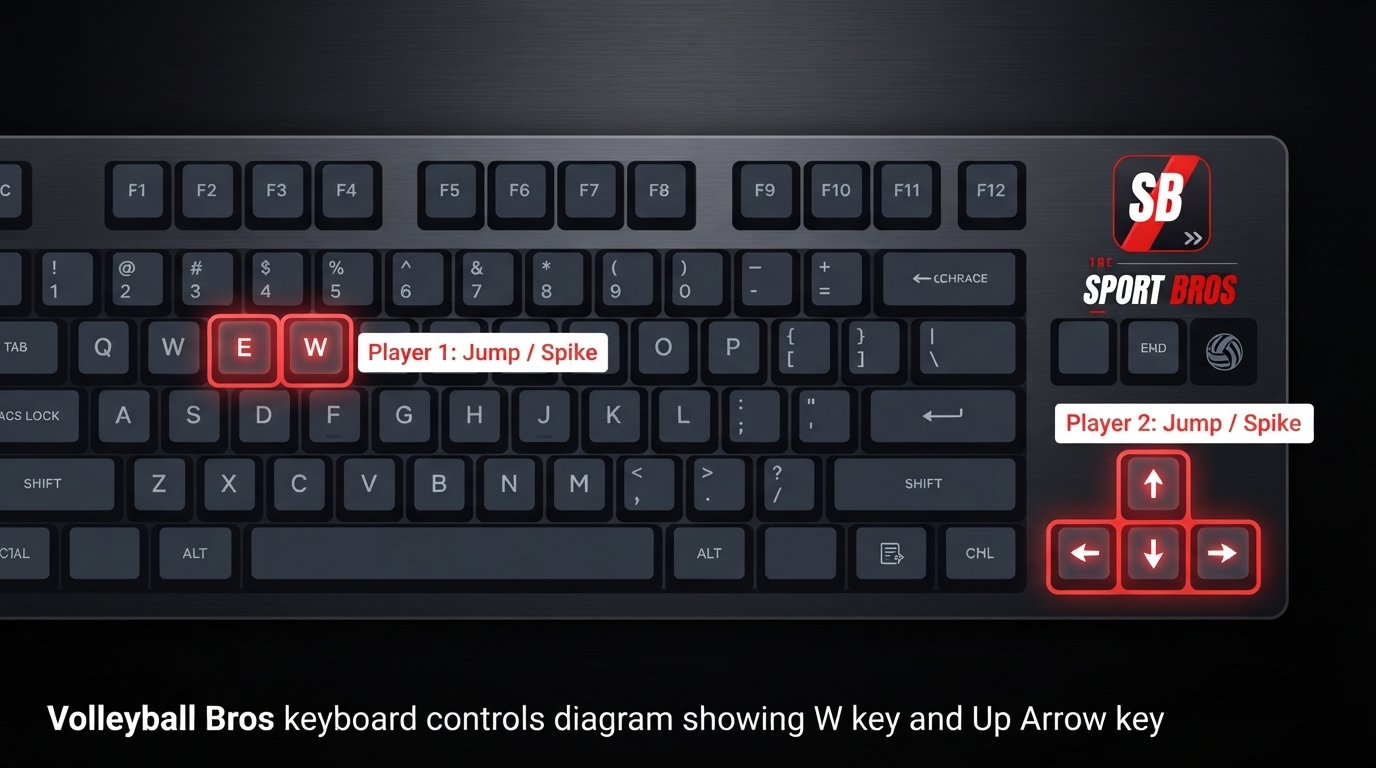
Player 1 taps W, Player 2 taps the Up Arrow, and that single press makes your ragdoll jump and swing at the ball. There’s no steering, no separate spike button, no blocking key. Timing that one press is the entire skill of the game.
Full Keyboard Controls (PC)
| Action | Player 1 | Player 2 |
| Jump & swing | W | Up Arrow |
| Hit the ball | Same key, timed to contact | Same key, timed to contact |
| Move | Automatic, no manual steering | Automatic, no manual steering |
| Block | No separate key, jump early near the net | No separate key, jump early near the net |
That’s genuinely the whole table. Your ragdoll drifts and moves on its own, so the single input you control is when you jump. Press too early and the ball sails past you. Press too late and it drops behind you for a point. Everything you’ll ever do in a match comes down to that one-key decision, repeated as fast as the rallies demand.
Mobile Controls: Browser Tap vs the Official App
Playing on a phone or tablet works the same way conceptually, tap instead of press, but there are two slightly different setups worth knowing apart.
Browser mobile play: tap your half of the screen to jump and swing, same as pressing your key on desktop. No separate buttons, no on-screen joystick, just a tap zone.
Official apps: Volley Random also has dedicated apps on Google Play for Android and the App Store for iOS. These give you the full game outside a browser tab, and the core input is still a tap, though app versions can sometimes add small extras like sound settings or offline play that the browser version doesn’t. If you’re only after the quick, no-install experience, the browser tap version is all you need. If you want it as a proper app icon on your home screen, grab the official listing instead of a random browser wrapper.
One practical tip either way: turn your phone sideways into landscape mode before you start. You get a wider view of the court and a much clearer read on where the ball’s arc is heading, which matters a lot when your only input is a single, well-timed tap.
Why Your Controls Might Not Be Working
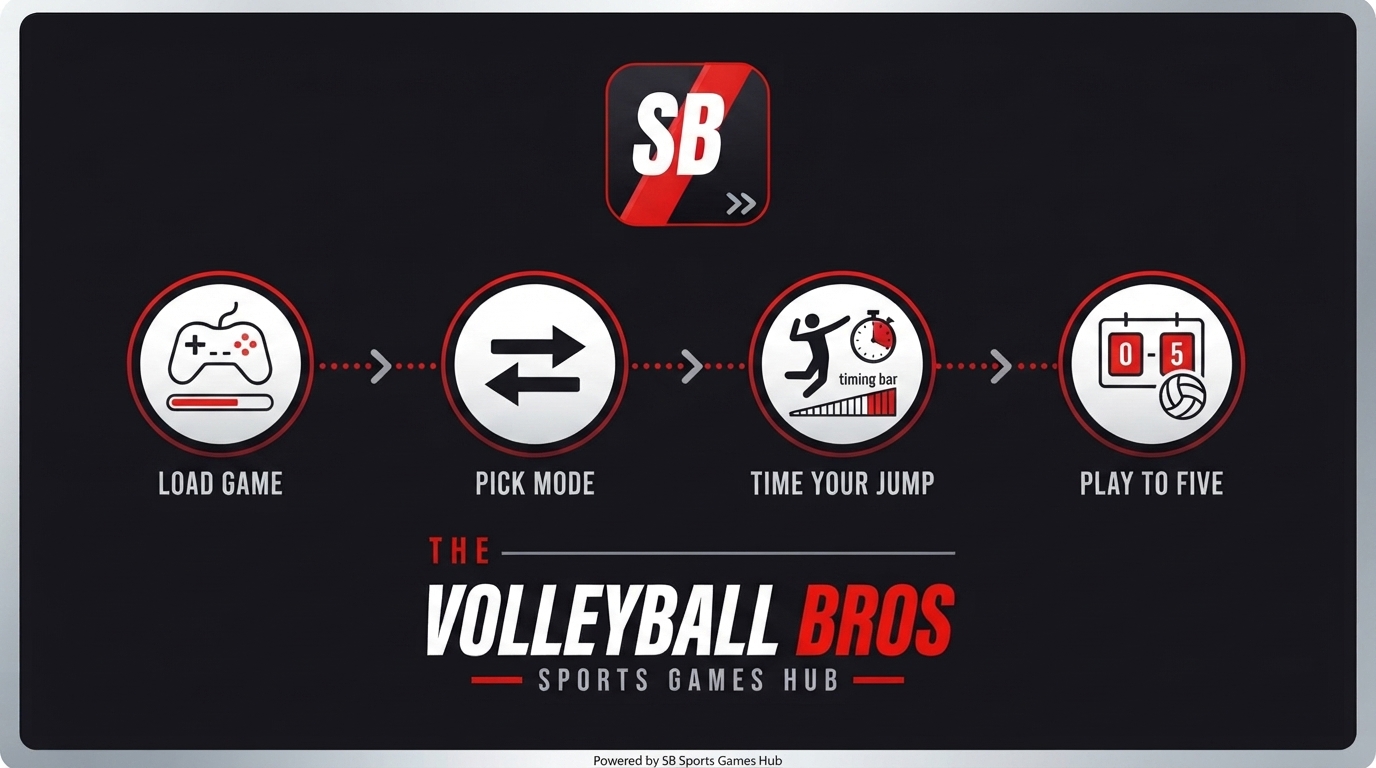
This is the part almost nobody explains, and it’s probably the single most common frustration new players run into. If you load the game and your key presses do absolutely nothing, it’s rarely a bug. It’s almost always a keyboard focus issue.
- Click once inside the actual game frame. Many hosting sites embed the game inside an iframe, and your browser doesn’t automatically hand keyboard control to that frame just because the page loaded. A single click inside the play area usually fixes it instantly.
- Check that an ad blocker isn’t interfering. Some overlay ads sit on top of the game frame invisibly and steal your click before it reaches the game itself. Pause your blocker for the page if the first click didn’t help.
- Try a hard refresh. Ctrl and F5 on Windows, or Cmd, Shift and R on a Mac, clears a stale load that can cause inputs to stop registering partway through a session.
- Confirm you’re using an up-to-date browser. Chrome, Firefox, Edge and Safari all handle this fine when current. An outdated version occasionally mishandles keyboard events inside embedded frames.
- On mobile, make sure you’re tapping inside the visible game canvas, not the surrounding page margin. Embedded mobile frames can have a smaller actual tap zone than the space they visually occupy.
Run through that list in order and the vast majority of “my controls aren’t working” situations resolve in under a minute.
Don’t Mix These Up: Volley Random Controls vs Volleyball Legends Controls
Here’s a mistake worth flagging directly. If you search around for volleyball control guides, you’ll eventually run into one for Volleyball Legends, a completely different game hosted on the Basketball Bros network. That game uses a full multi-key setup, movement keys, a dedicated spike input, camera controls, and character-specific abilities, closer to a traditional sports game than a ragdoll physics toy.
| Volleyball Bros (Volley Random) | Volleyball Legends | |
| Input style | One button per player | Multiple keys (movement, spike, ability) |
| Steering | None, automatic drift | Full manual movement |
| Skill focus | Jump timing only | Positioning, timing, and ability use |
| Best for | Quick chaotic matches | Deeper competitive sessions |
If you land on a control guide listing WASD movement, a dedicated spike key, and character abilities, you’re reading about Volleyball Legends, not the game most people mean when they search Volleyball Bros. Different game, different skillset entirely.
Common Control Mistakes Beginners Make
- Mashing the button. Every press launches a jump. Spam it and you’re airborne at the exact wrong moment when the ball actually arrives.
- Trying to steer mid-air. There’s no directional input. Fighting the urge to “aim” wastes reaction time you should spend reading the ball’s arc instead.
- Not clicking into the game frame first. The number one reason new players think the game is “broken.”
- Playing portrait mode on mobile. Technically works, but you lose court width and reaction time compared to landscape.
- Ignoring that both players need separate input methods. On one keyboard, W and Up Arrow work independently and simultaneously, but cramped keyboard layouts on small laptops can cause accidental double-presses if your hands are positioned too close together.
The Trade-Off With One-Button Controls
What works in its favor:
- Genuinely accessible to kids, beginners, and anyone new to gaming in general
- Zero learning curve for the input itself, the challenge is timing, not memorization
- Makes local 2-player instantly fair, since neither player has an execution advantage from knowing more key combos
What’s worth knowing:
- The skill ceiling comes entirely from timing and reading the ball, which can feel shallow if you’re used to games with combo inputs
- No blocking key means defense is really just another well-timed jump, not a distinct mechanic
- Because you can’t steer, some rallies genuinely come down to luck, and that’s a deliberate design choice, not a flaw to fix

Expert Tips for Mastering the One Button
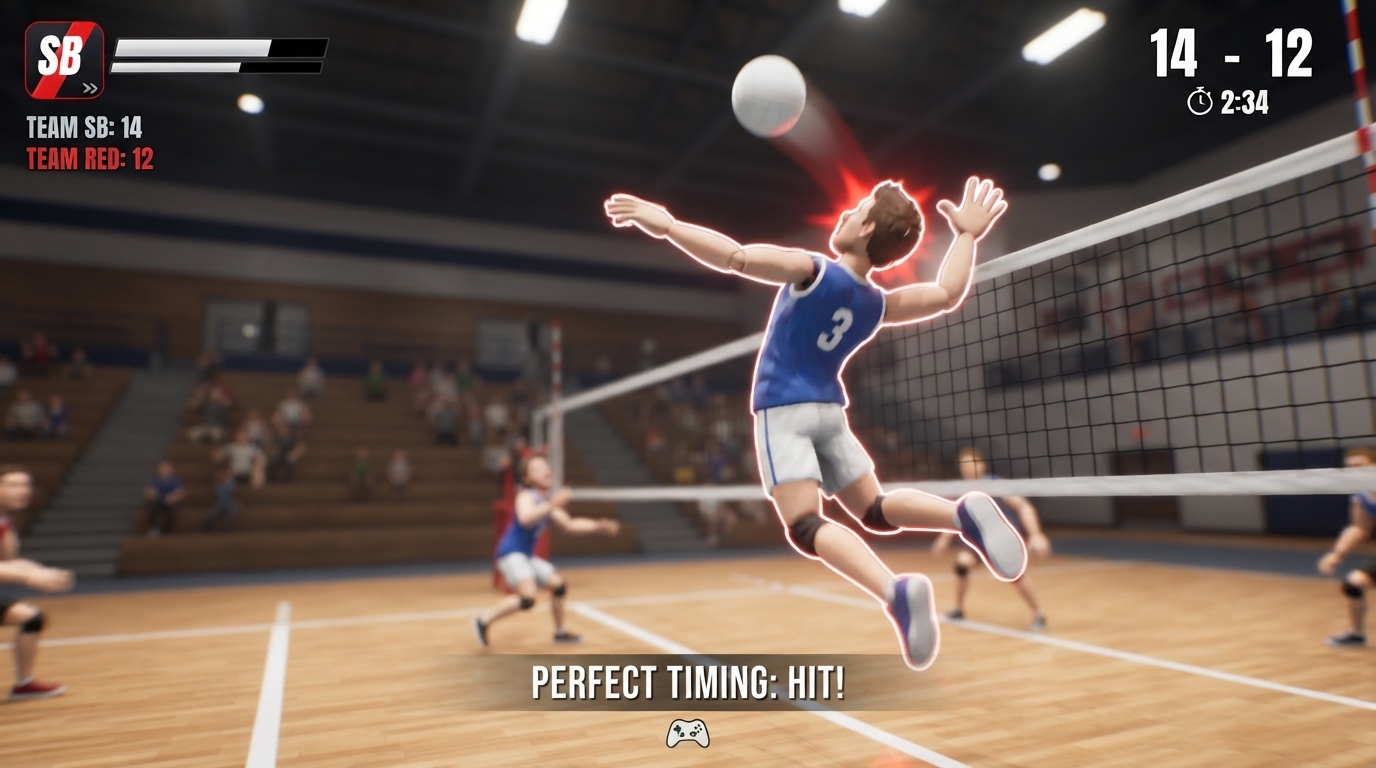
Time your press to meet the ball as it’s rising, not after it’s already started falling. A jump timed into the upward part of the ball’s arc gives you a firmer, more controlled hit than reacting late and swinging at a ball already dropping past you. Watch your opponent’s ragdoll as much as the ball itself once you’re comfortable with the basics, since a player who’s mid-tumble from their last jump has a real gap you can aim your timing into. And resist the urge to hold the key down, it’s a press-and-release input, not a hold, so holding it doesn’t change jump height or add any extra effect.
A Quick Caution
Exact input behavior can vary slightly depending on which site is hosting the game, since embedded versions sometimes wrap the core game in a slightly different frame setup. The W and Up Arrow keys are consistent across every legitimate hosting of Volley Random as of mid-2026, but if a specific mirror site ever behaves differently, that’s a hosting quirk on their end, not a change to the actual game’s control scheme.
FAQ
What are the controls for Volleyball Bros? Player 1 uses the W key, Player 2 uses the Up Arrow key. Both jump and swing at the ball with the same single press. There’s no steering or separate spike button.
Why aren’t my Volleyball Bros controls working? Almost always a keyboard focus issue. Click once directly inside the game frame before pressing your key, and check that an ad blocker or overlay isn’t sitting on top of the game area.
Can I play Volleyball Bros with a controller? There’s no confirmed official controller support. The game is built around simple keyboard and touch input, so a controller isn’t necessary and isn’t the intended way to play.
What are the mobile controls for Volleyball Bros? Tap your half of the screen to jump and swing, the same single input as the keyboard version. Turning your phone to landscape mode gives a clearer view of the court.
Is there an official Volleyball Bros app? Yes, Volley Random has official apps on Google Play for Android and the App Store for iOS, in addition to the free browser version.
Are Volleyball Bros controls the same as Volleyball Legends? No. Volleyball Legends uses a full multi-key setup with movement, spiking, and abilities. Volleyball Bros, meaning Volley Random, uses just one button per player.
Final Verdict
The controls for Volleyball Bros are about as simple as a game can get, one key, one job, no exceptions. That simplicity is exactly why it works, it puts a beginner and a veteran on nearly equal footing the moment they both click into the game. The only real hurdle is technical, not mechanical: get the game frame focused correctly and you’ll never wonder again why your presses aren’t registering. After that, it’s just you, one button, and however well you can read a falling ball.